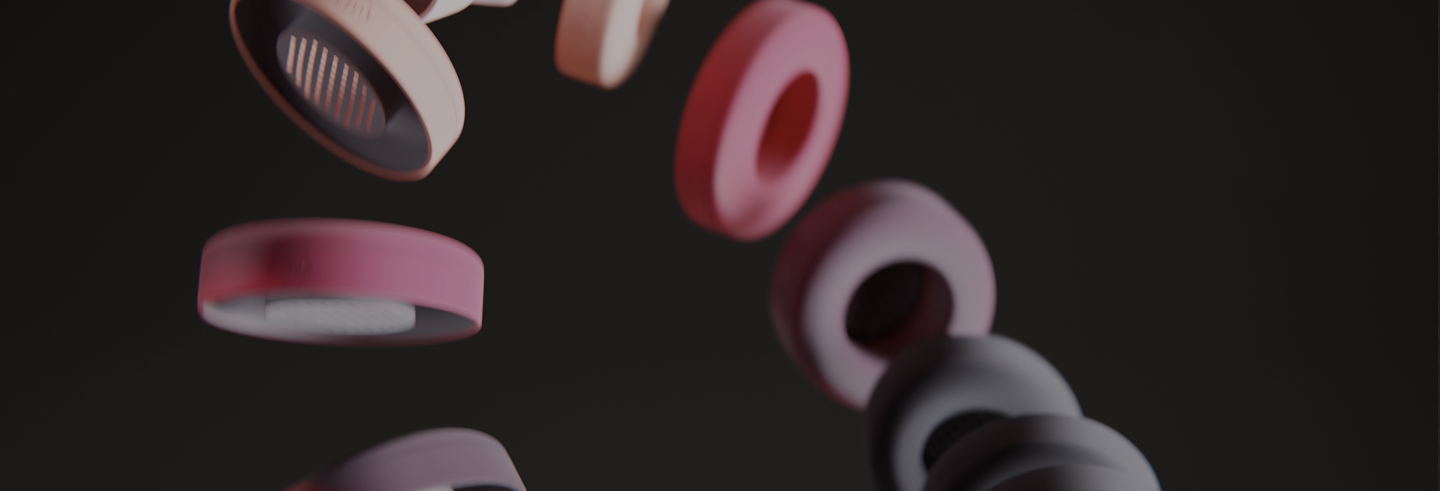
Coussinets Arctis Nova - WC FreeZe Cooling-Gel
How To Change Beats Ear Pads?
If you have owned a pair of Beats headphones for more than a year or so, you've probably asked yourself this crucial question...
Is it possible to replace the ear pads on my Beats By Dre Headphones?
Whether you've experienced the awful smell, flaking, or complete cushion breakdown from overuse, its not uncommon to get to the point where using your expensive Beats Studio or Solo headphones becomes a completely unpleasant experience. You and I both know you have probably reached the end of the line. While Beats headphones tend to be extremely comfortable, that comfort comes with a price. The original Beats Studio and Solo ear pads were not made to last.
Look, no matter what you do, your Beats ear pads will eventually fail. Doubly so if you workout with them. Ironically, even though 99% of Beats ambassadors are world-class athletes, it is a surprise to some that these headphones were not made for working out. While it's HIGHLY uncommon for the internal electronics to break due to sweat, it is completely reasonable to expect that the first part of your Beats headphones to fall apart will be the ear pads.

15 minutes of your time, and your Beats headphones could look brand new...
So, How Do You Replace the Ear Pads on Your Beats By Dre?
Lets get started. To install Beats replacement ear pads correctly, first find out which model you have. The most common Beats headphones are Beats Studio (OVER-EAR) and Beats Solo (ON-EAR), so we will focus on these two models today. If you are having trouble figuring out which model of Beats you have, we have a short guide that will help right here.
Beats Studio Ear Pad Replacement
We made the following video to give you a complete guide to install Beats Studio replacement ear pads. Its important you watch the entire video for the best possible results.
Cutting corners will only cause problems ☠!
Beats Solo Ear Pad Replacement
Watch the following video where we show how to change Beats Solo 3 ear pads. A reminder, its important you watch the video until the very end for the best results.
TIP: If a cloth is still attached to the headphones after you have removed your ear pads, it means that you did not remove them completely. The plastic base is still attached and should be removed as well.
And that's it, hopefully this will help you save a couple of bucks. Instead of buying brand new headphones, spend 20 minutes replacing your Beats ear pads.
If you still have any questions, you can always count on us to help you out. Simply reach out to info@wickedcushions.com and we will answer as soon as possible.
Back to Blog